True split view
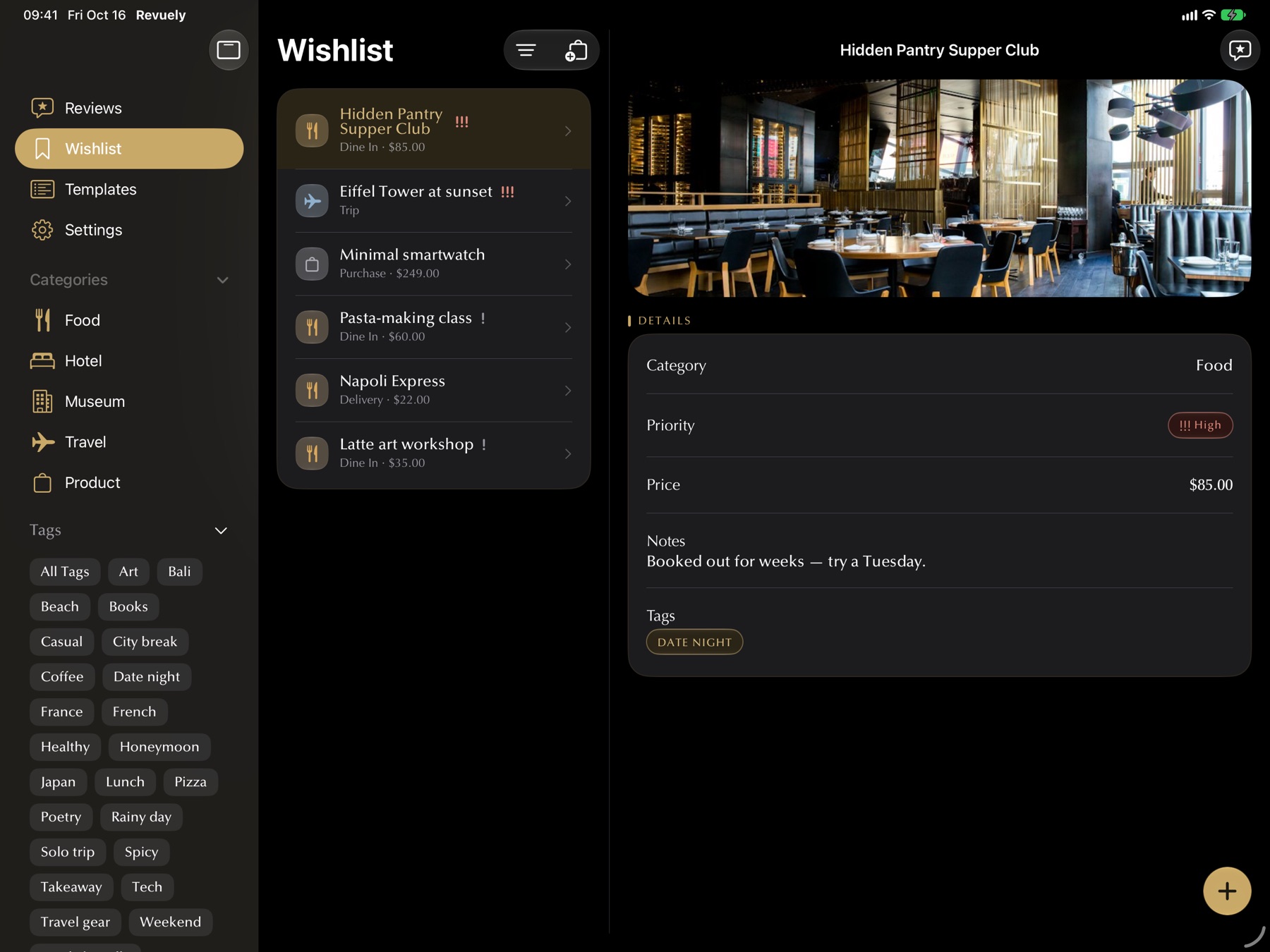
Sidebar, list and the full review side by side. Browse by category or tag in one tap.
Revuely for iPad
The big screen is where quick notes become full reviews — with your list, the whole review and every photo in view at once.
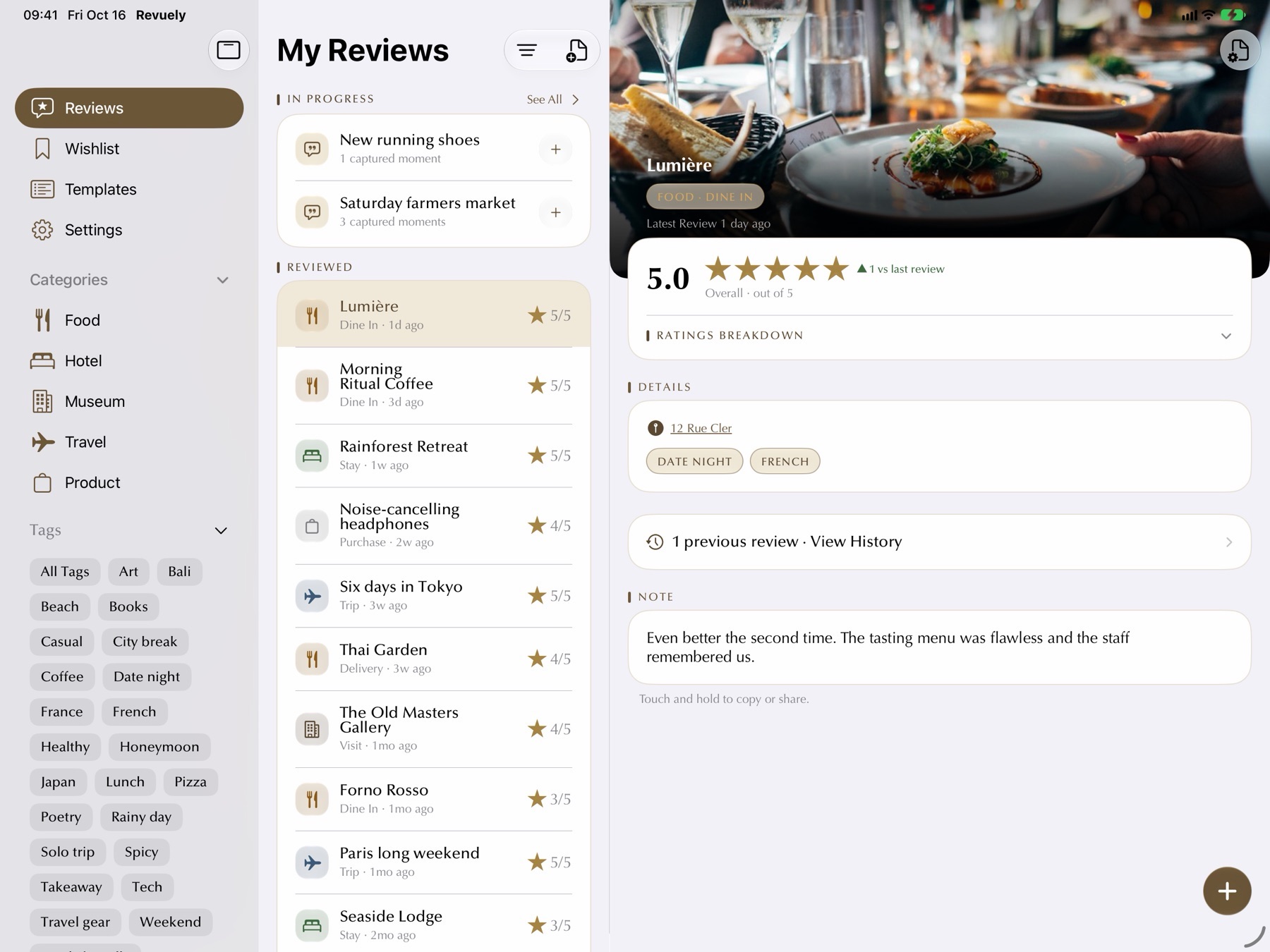
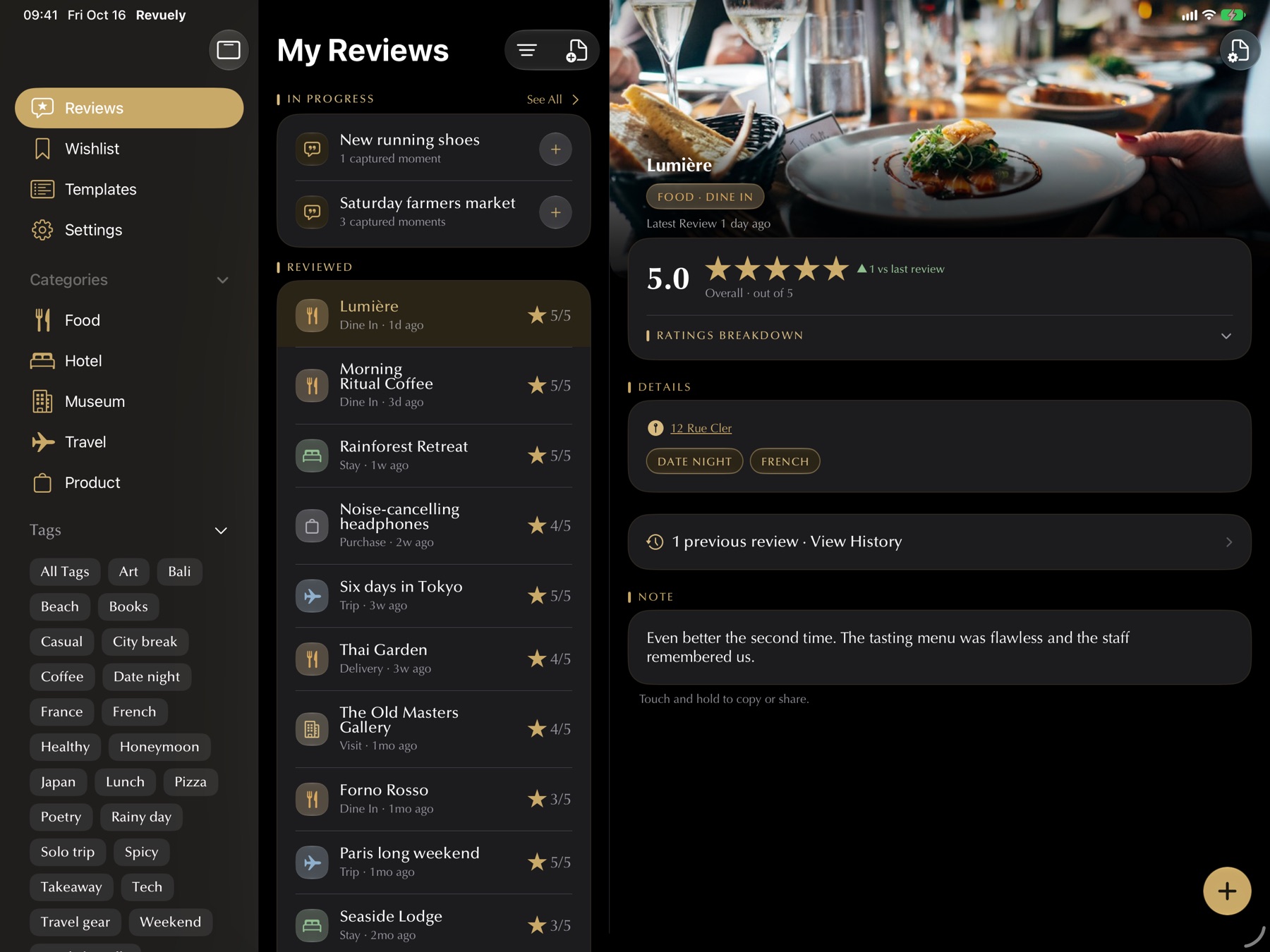
Sidebar, list and the full review side by side. Browse by category or tag in one tap.
On a 13-inch iPad, list and detail stay side by side even upright.
The review wizard stays steady with the keyboard up, so long reviews feel natural.
See every photo large, drag to reorder, add captions and pick your cover.
Design sections and questions with room to see the whole template at once.
Every way to start a capture is here on iPad — see them below.
The same quick ways in as iPhone, including Live Activities — plus a widget size only iPad has.
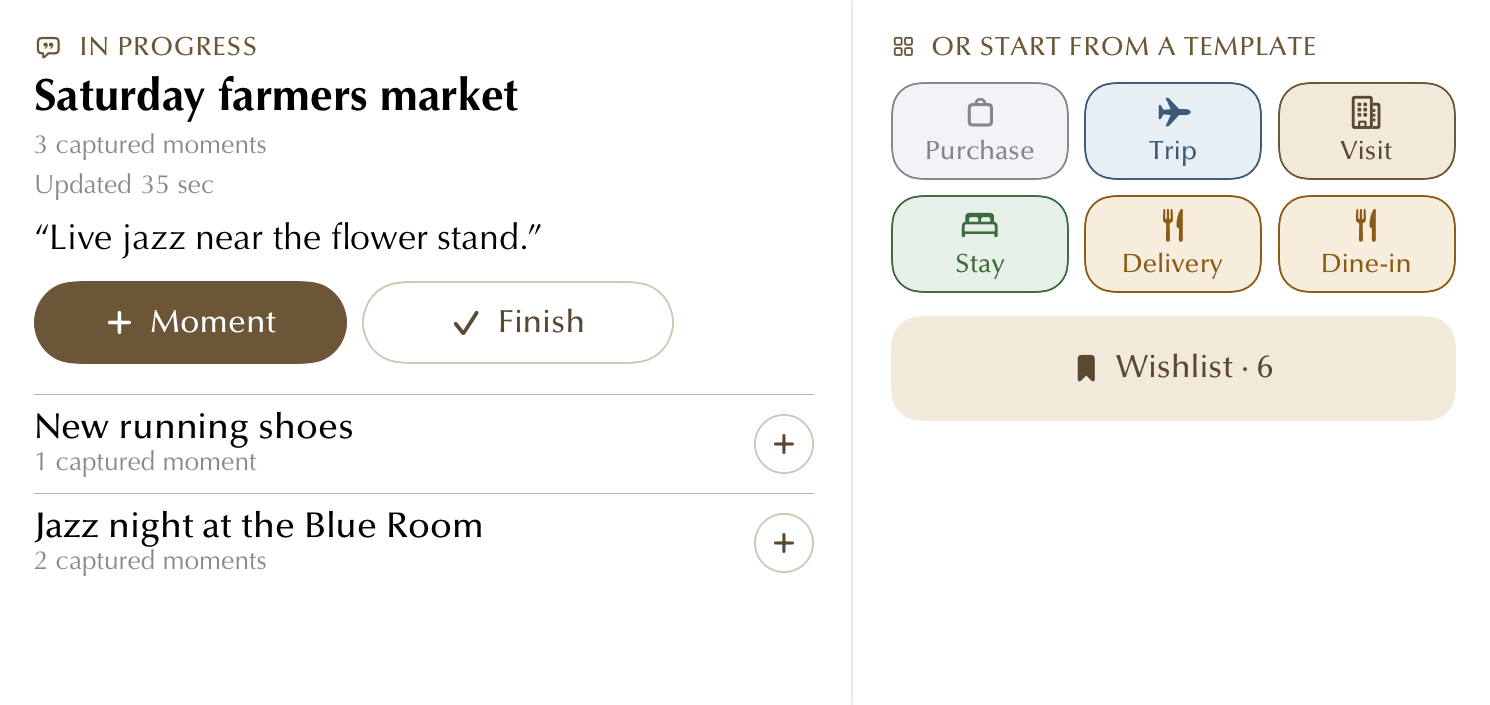
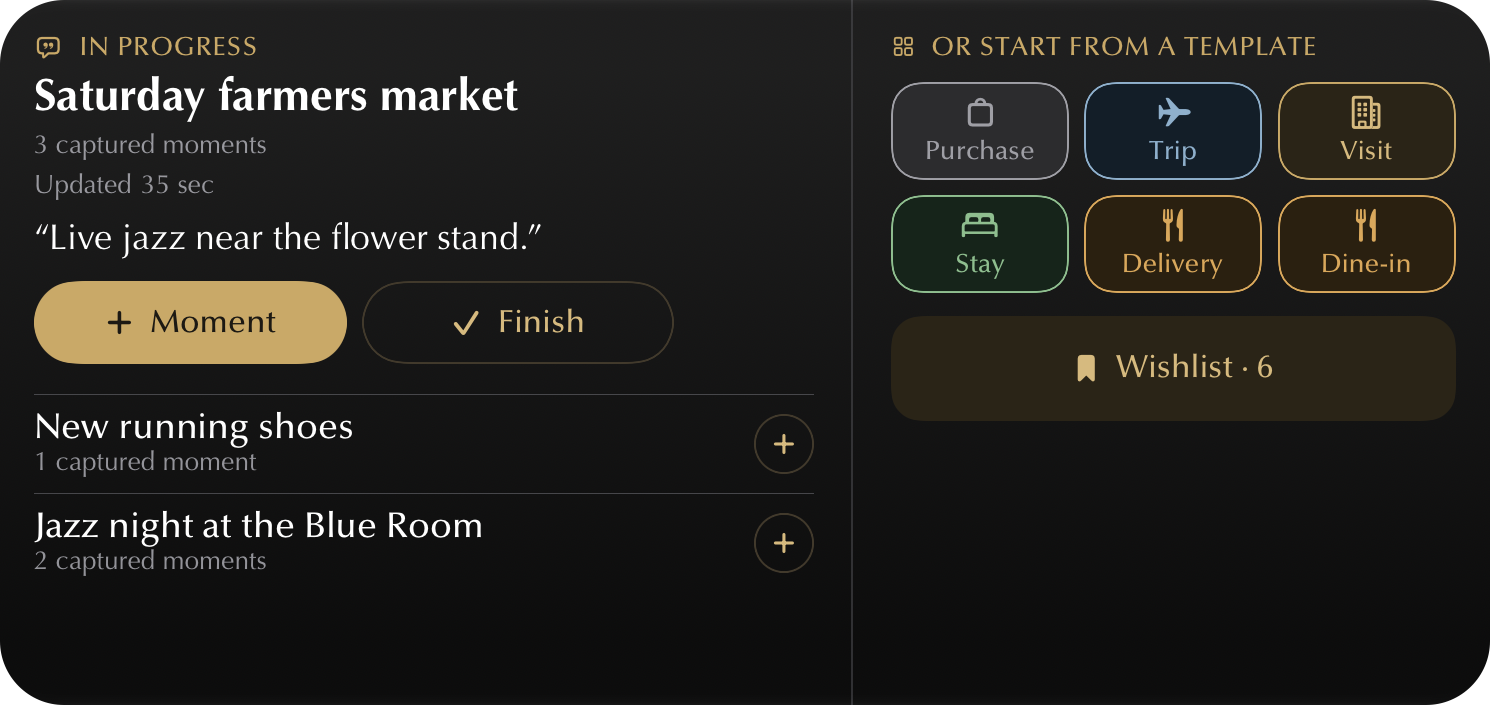
Your capture in progress, every template and your Wishlist in one widget — the biggest size, only on iPad.
“Capture a moment in Revuely” — hands-free, without opening the app.

A running capture stays right on your iPad Lock Screen. Tap + to add another moment.
One tap from the Lock Screen and Revuely is already listening.
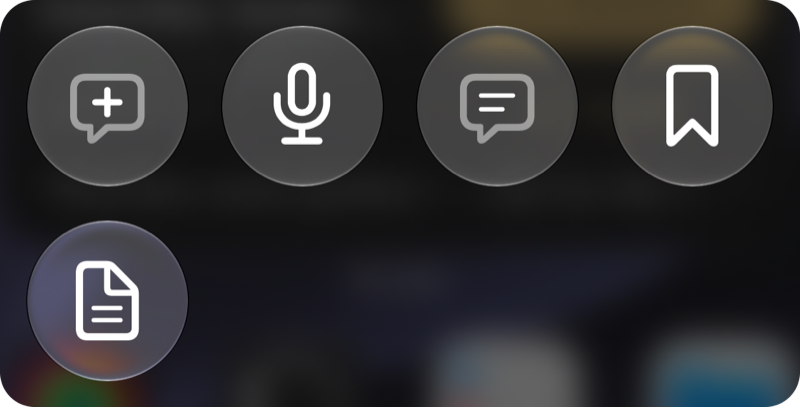
New capture, continue the latest, add to Wishlist or start from a template.
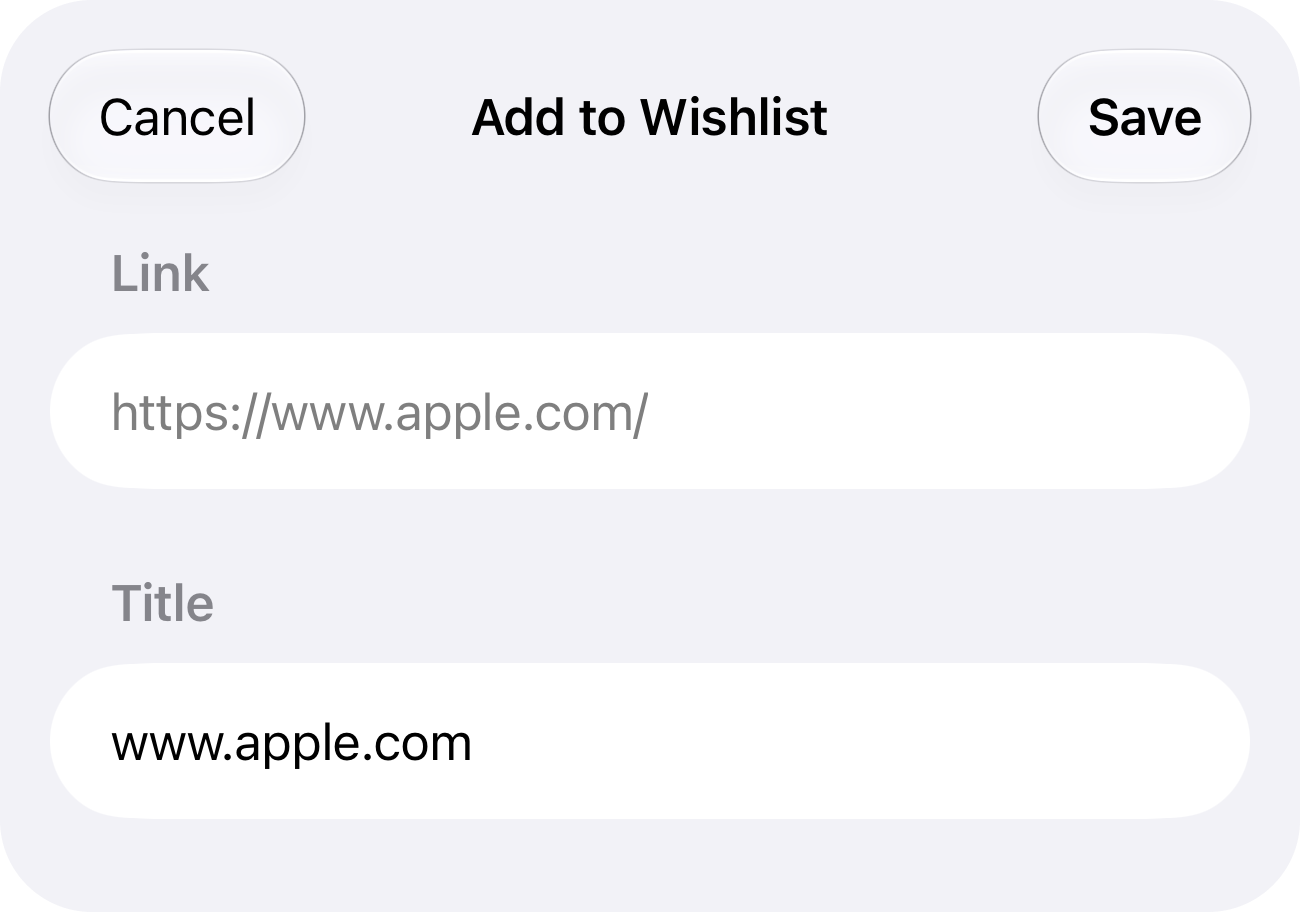
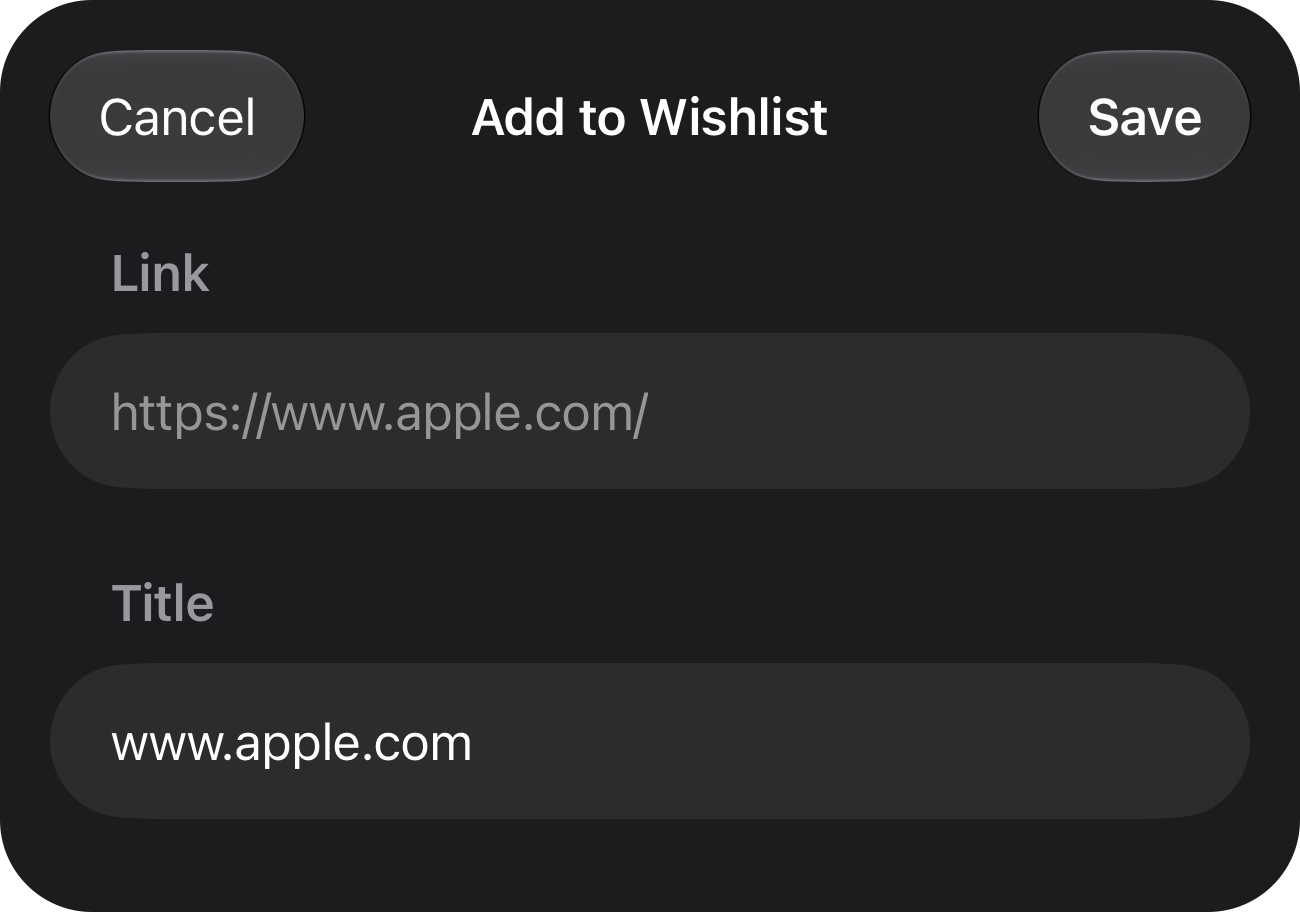
Send a photo, video or link from any app into a review or your Wishlist.
Chain Revuely into automations, and find any review from iPad search.
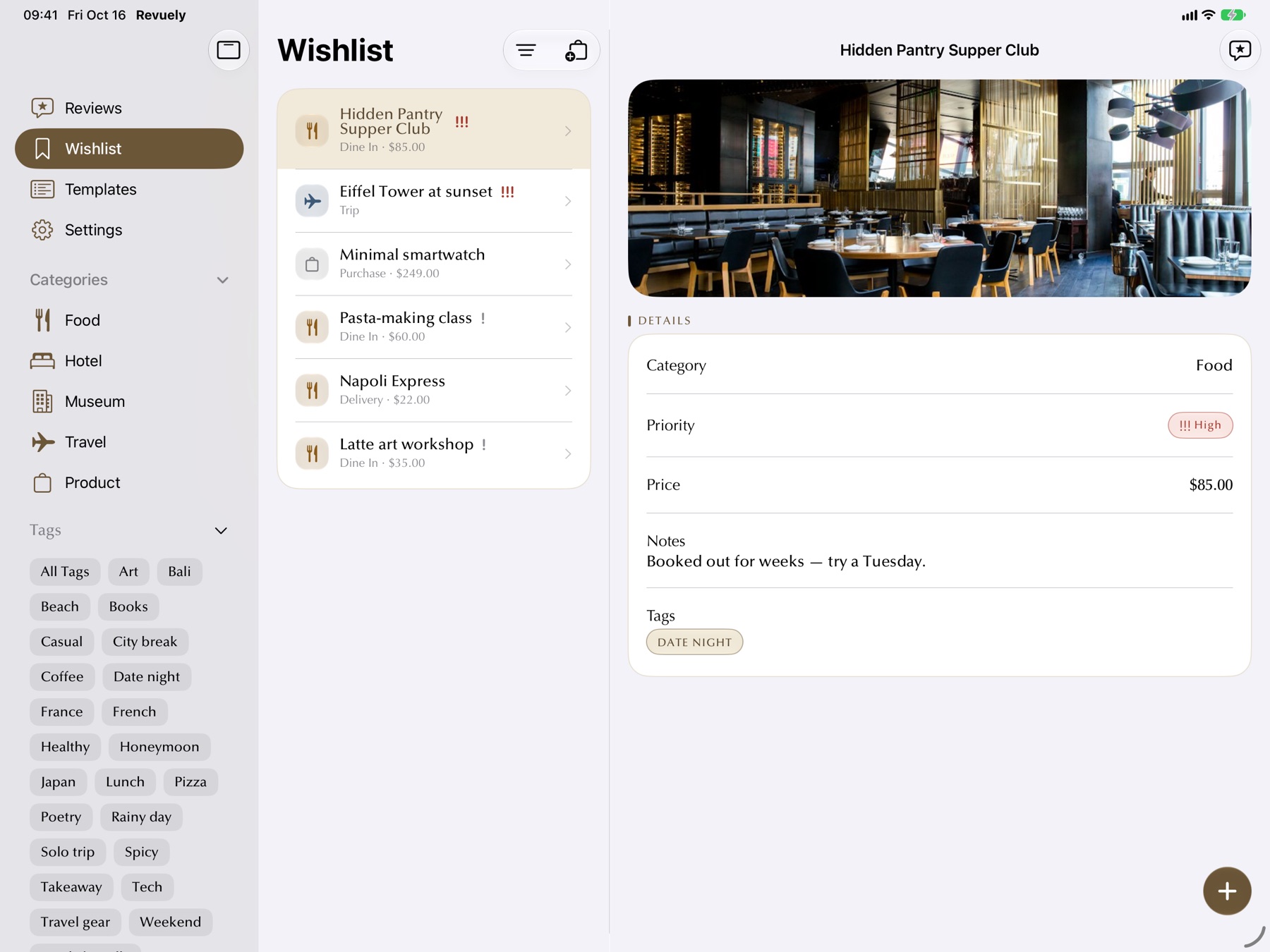
Wishlist
Price, priority, notes and a photo for every idea — and a reminder when it's time. When you finally go, turn it into a review in one tap.
Better together
Voice notes from your phone are ready to finish here, synced privately through your iCloud.